5 Common Use Cases for API Monitoring (and Why They Matter)
TL;DR
1. Monitoring Critical Service Endpoints (Uptime + Health Checks)
Use case:
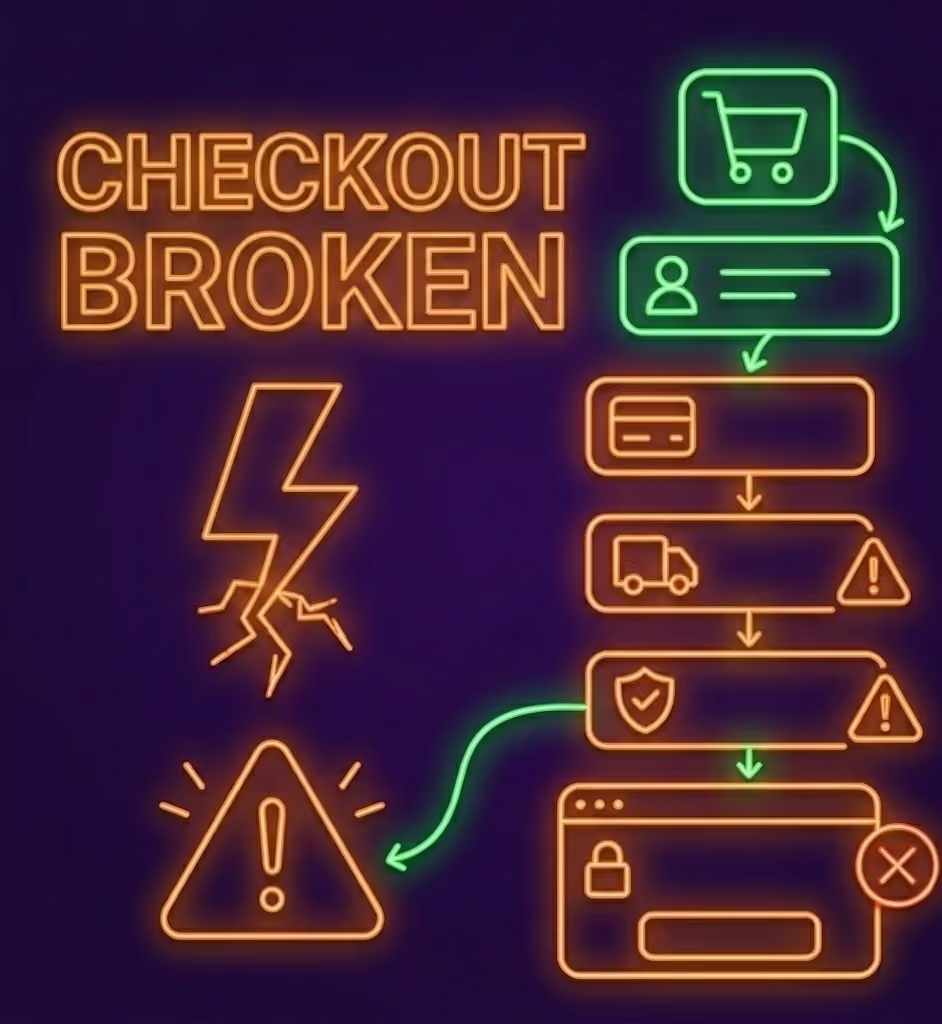
Your /login, /checkout, or /api/v1/payments endpoints power essential functionality. If any of them are slow or unreachable, users notice immediately.
Why it matters:
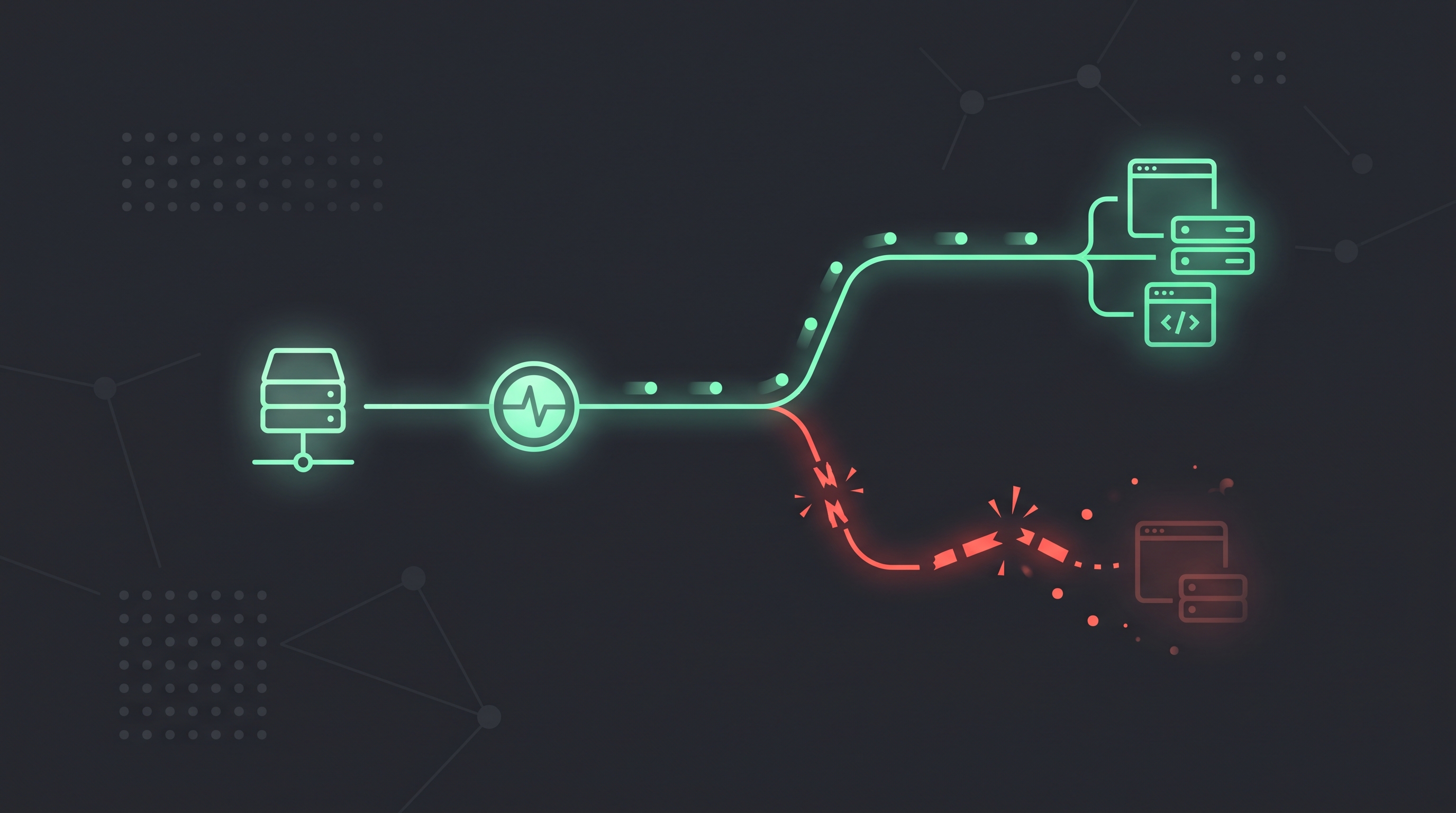
Even a few minutes of endpoint downtime can result in failed logins, abandoned carts, and support tickets. Combining API monitoring with multi-region uptime checks confirms these key endpoints are responding within your latency threshold.
What to monitor:
- HTTP response codes (
200–299,401,500, etc.) - Response latency thresholds
- Timeouts or connection errors
2. Validating Response Content & JSON Schema
Use case:
An API may return a 200 OK status code while returning an empty array or malformed JSON payload—a classic silent failure.
Why it matters:
Frontend applications and mobile clients depend on specific JSON structures. A missing key can break the UI or block checkout completion.
What to monitor:
- JSON keys and values (e.g.,
user.id,cart.total) - JSON schema contracts and header assertions
- Chained request tokens passed from authentication endpoints
3. Monitoring Third-Party API Dependencies
Use case:
Your application relies on external payment gateways, messaging providers, or shipping APIs whose outages can disrupt your user flows.
What to monitor:
- Availability and response time of external endpoints
- Rate-limiting headers and status codes
- End-to-end user impact via synthetic browser journeys
4. Tracking Scheduled Jobs and Webhook Receivers
Use case:
Your backend runs scheduled syncs, cron jobs, and webhook consumers that do not expose a public webpage.
What to monitor:
- Heartbeat check-in pings at the end of scheduled jobs
- Webhook receiver responses and latency
5. Pre-Deployment & CI/CD Testing
Use case:
Trigger automated checks from your GitHub Actions workflow before and after deployment so broken API contracts or user flows are caught immediately.
Final Thoughts
With Acumen Logs, you can chain multi-step API requests, validate JSON schemas, test browser flows, and track cron heartbeats from one dashboard. Start free with Acumen Logs (no credit card required).
Key Takeaways
- Monitoring business-critical database routes like authentication and checkouts ensures core transactional flows stay fully operational.
- Real-time multi-step API validation catches slow third-party API processing delays before they bottleneck your frontend software layout.
- Tracking continuous structural payload changes prevents broken code schemas or library patches from silently corrupting live backend databases.
Frequently Asked Questions
Can standard frontend uptime checks detect broken backend API endpoints?

No, they cannot. A basic frontend check only confirms that your visual web components load successfully in a browser. If your backend data pipelines drop or experience authentication timeouts behind the scenes, visitors will simply hit endless loading indicators or silent submission errors while standard server tools report everything is fine.