Free RDAP Checker
RDAP (Registration Data Access Protocol) is the modern, standardised protocol for querying domain registration data. Developed by ICANN and defined in RFC 7483, RDAP was designed to replace the ageing WHOIS protocol with a more structured, secure, and consistent approach to accessing domain registration information. Unlike WHOIS, which returns plain text in varying formats, RDAP returns machine-readable JSON responses with a consistent structure across all registrars and registries.
RDAP improves on WHOIS in several important ways. It uses HTTPS for secure data transport, whereas WHOIS transmits over plain TCP. RDAP responses use a standardised JSON format, making them far easier to parse programmatically than the inconsistent plain-text output of WHOIS. RDAP also supports authentication, which allows credentialed users to access fuller registration data that might otherwise be redacted under GDPR. Finally, RDAP supports internationalised domain names (IDNs) more reliably than WHOIS.
An RDAP response includes structured data about the domain's registration: the domain name and its status codes, the registrar and registration dates (created, updated, expiry), the nameservers currently delegated to the domain, and contact entity information (which may be partially redacted under GDPR or local privacy regulations). It also includes links to the authoritative RDAP server and conformance data describing the RDAP response version.
WHOIS was developed in the early days of the internet and has significant limitations: it has no standard response format, no built-in security, no support for authentication or access control, and was not designed for an era of privacy legislation. As the internet scaled and GDPR came into effect, WHOIS's inability to handle tiered access to personal data became a critical problem. RDAP was built from the ground up to address these shortcomings and is now mandated by ICANN for all generic top-level domain (gTLD) registries.
RDAP is supported by all ICANN-accredited registries for generic top-level domains (gTLDs) such as .com, .net, .org, .io, and most newer extensions. Country-code top-level domains (ccTLDs) such as .uk, .de, or .fr vary in their RDAP support — some have implemented it fully, while others still rely on WHOIS. For ccTLDs without RDAP support, a WHOIS fallback is typically used. Our tool will automatically query the correct protocol for the domain extension you enter.
Regularly querying RDAP data for your domains lets you detect unexpected changes that could indicate a security incident: nameserver modifications that might redirect your traffic, registrar transfers you didn't authorise, or expiry dates creeping closer than expected. Automated RDAP monitoring — as part of a broader domain monitoring strategy — can alert you the moment any of these critical registration fields change, giving you time to respond before an attack or accidental lapse causes damage.

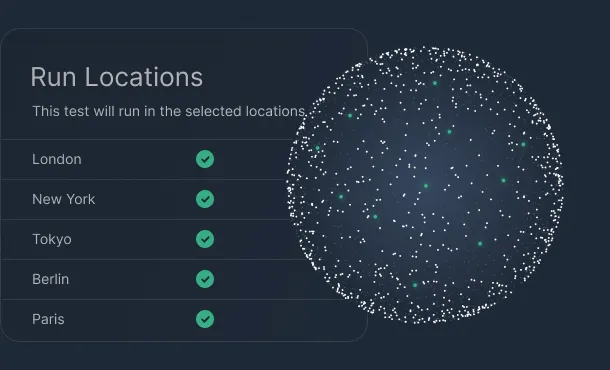
Keep your site available around the clock with checks from multiple global locations every 60 seconds. Get instant alerts by email, Slack, or webhooks the moment downtime is detected so you can fix issues before users notice.
Learn more
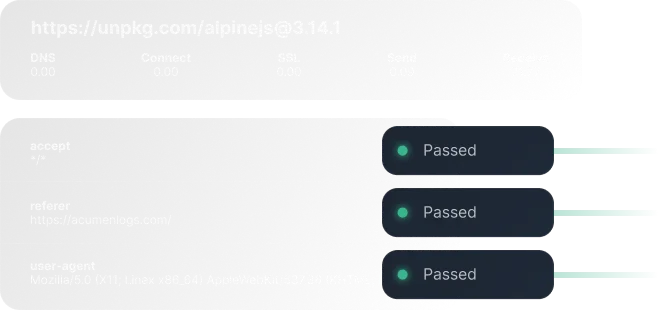
Simulate real user journeys in the browser to catch broken flows, JavaScript errors, and slow pages before they impact revenue. Build and maintain journeys without code, validate key steps like logins and checkouts with screenshots, and videos when something fails.
Learn more
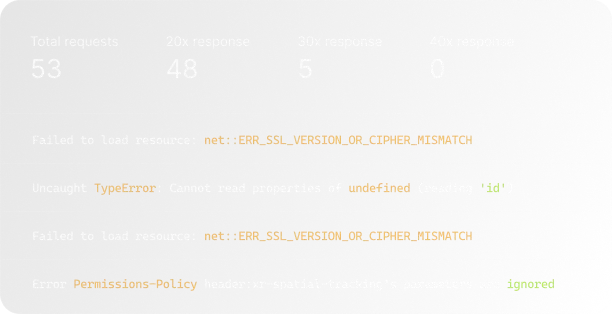
Track mission‑critical flows such as signup, checkout, and dashboards end‑to‑end, not just single pages. Acumen Logs surfaces failed network requests, console errors, and regressions in real time so your team can resolve UX issues quickly.
Learn more

Add lightweight heartbeat checks to scheduled jobs and background workers so you know when something silently stops running. Get alerted on missed or late heartbeats, and review a history of successful runs to prove reliability to stakeholders.
Learn more
Automatically watch your SSL certificates and domains for expiry so you never lose traffic or trust to a preventable error. Receive proactive reminders and status checks that help you stay compliant, secure, and interruption‑free.
Learn more
Continuously test your REST and GraphQL endpoints for uptime, latency, and response correctness from regions that match your users. Validate status codes, schemas, and payloads, and trigger alerts when responses slow down or no longer match expectations.
Learn more