Free WHOIS Checker
WHOIS is a public query protocol that retrieves registration information about a domain name. When a domain is registered, the registrant provides contact details, registration dates, and nameserver information that is stored in a publicly accessible WHOIS database maintained by registrars and regional internet registries. A WHOIS lookup lets you query this database to find out who owns a domain, when it was registered, when it expires, and which registrar manages it.
A standard WHOIS record typically includes: the registrant's name and organisation (where not redacted), the registrar (e.g. GoDaddy, Namecheap, Cloudflare), the registration date, the expiry date, the last updated date, the domain's nameservers, and the domain status codes (e.g. clientTransferProhibited). Since the introduction of GDPR in 2018, personal contact details for domains registered by individuals are often redacted or replaced with proxy information.
WHOIS data is essential for tracking domain health over time. Monitoring your own domain's WHOIS record lets you detect unauthorised ownership changes, unexpected nameserver modifications, or accidental expiry before they become a problem. It's also commonly used during due diligence when acquiring a domain or business, for investigating phishing domains, and for verifying that a domain's registration details match its intended ownership.
Domain status codes describe the current state of a domain in the registry. Common codes include: clientTransferProhibited (the domain cannot be transferred away without unlocking it), clientDeleteProhibited (the domain is protected from deletion), and clientUpdateProhibited (changes to the domain record are restricted). These statuses are set by registrars to protect domains from accidental or malicious modifications. A domain with no lock statuses is more vulnerable to hijacking or accidental transfer.
Best practice is to renew a domain at least 30 days before expiry. Most registrars send expiry reminders, but these can go to outdated email addresses if contact details haven't been maintained. After a domain expires, there is typically a grace period of 30–45 days during which the original registrant can still renew. After this, the domain enters a redemption period that comes with significant fees, before eventually being released for public registration. Losing a domain can be costly and damaging to brand reputation and SEO.
RDAP (Registration Data Access Protocol) is the modern replacement for the older WHOIS protocol. While WHOIS returns plain text data in inconsistent formats that vary by registrar, RDAP returns structured JSON responses that are easier to parse, support authentication for accessing non-redacted data, and provide a more consistent and standardised data format across all registrars. RDAP was developed by ICANN and is now supported by all major registries, making it the preferred protocol for automated domain data retrieval.

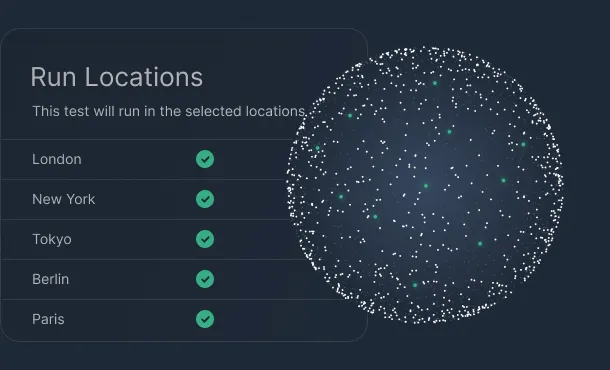
Keep your site available around the clock with checks from multiple global locations every 60 seconds. Get instant alerts by email, Slack, or webhooks the moment downtime is detected so you can fix issues before users notice.
Learn more
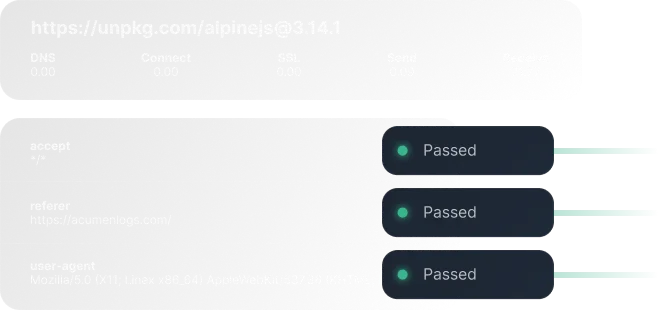
Simulate real user journeys in the browser to catch broken flows, JavaScript errors, and slow pages before they impact revenue. Build and maintain journeys without code, validate key steps like logins and checkouts with screenshots, and videos when something fails.
Learn more
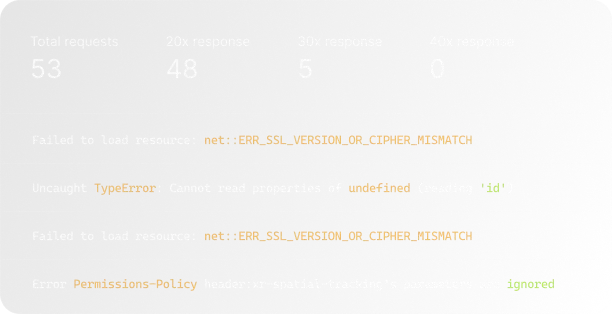
Track mission‑critical flows such as signup, checkout, and dashboards end‑to‑end, not just single pages. Acumen Logs surfaces failed network requests, console errors, and regressions in real time so your team can resolve UX issues quickly.
Learn more

Add lightweight heartbeat checks to scheduled jobs and background workers so you know when something silently stops running. Get alerted on missed or late heartbeats, and review a history of successful runs to prove reliability to stakeholders.
Learn more
Automatically watch your SSL certificates and domains for expiry so you never lose traffic or trust to a preventable error. Receive proactive reminders and status checks that help you stay compliant, secure, and interruption‑free.
Learn more
Continuously test your REST and GraphQL endpoints for uptime, latency, and response correctness from regions that match your users. Validate status codes, schemas, and payloads, and trigger alerts when responses slow down or no longer match expectations.
Learn more