A browser may warn that a connection is not secure if the site or its SSL/TLS certificate is misconfigured, expired or does not match the hostname. Check the exact warning and contact your provider if needed.
A browser may show a warning when it cannot establish or verify a secure connection. For example, the certificate may have expired, be untrusted or belong to a different hostname. Not every warning has the same cause, so note the exact message before troubleshooting.
Check the full address, including whether it uses www or a subdomain. Inspect the certificate's expiry date and covered names. If it was recently renewed, check that the website is presenting the renewed certificate. Your hosting provider or the person managing your website can help correct the configuration.
How to set this up in Acumen Logs
Open the SSL monitoring section and click New.
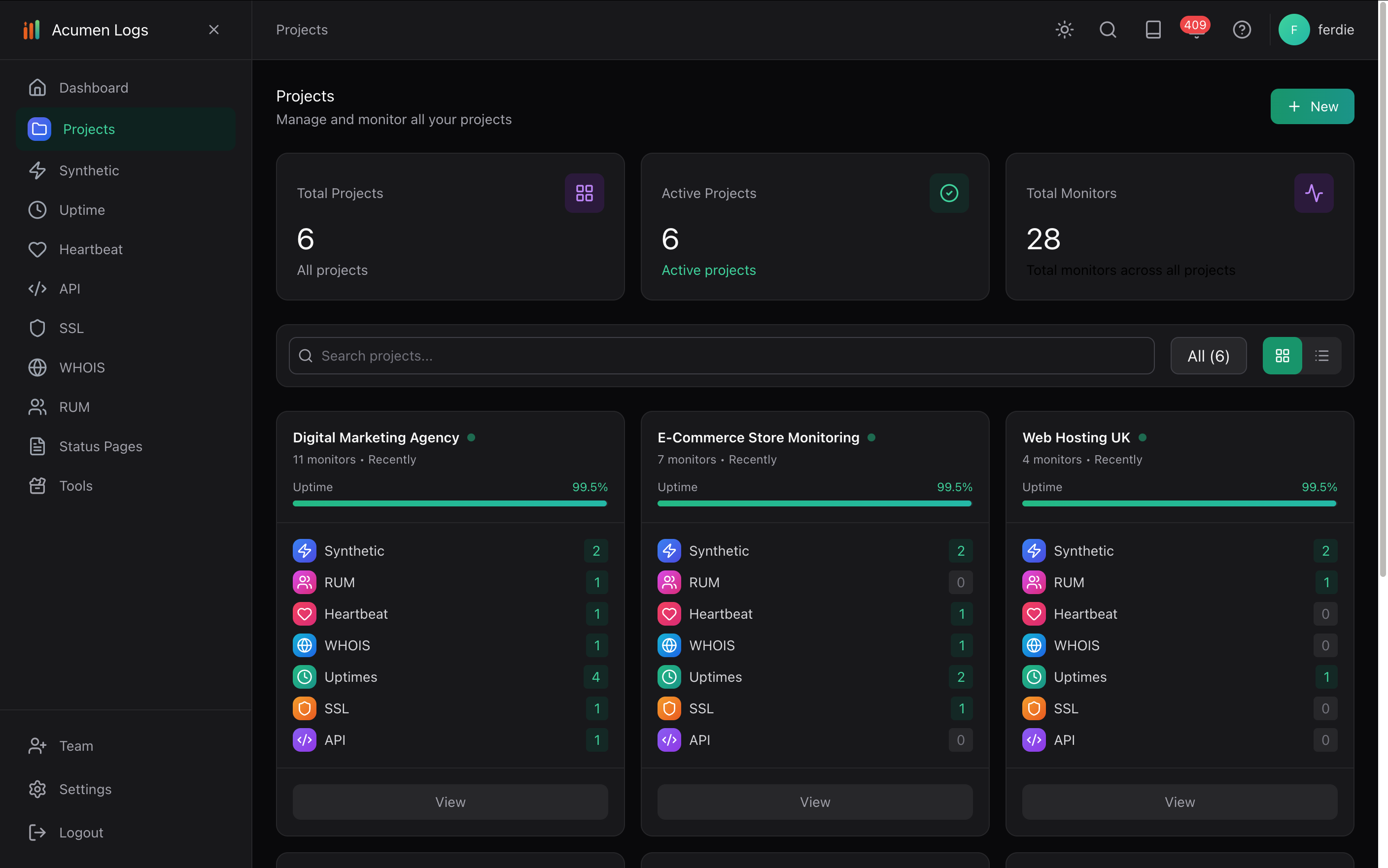
Choose the project you want to associate with the monitor.
Under Certificate Details, enter the domain or hostname in Domain or Hostname, without the protocol. For example, enter shop.example.com, not https://shop.example.com.
Make sure Monitoring Status is enabled, then click Save. The monitor will begin checking the hostname.
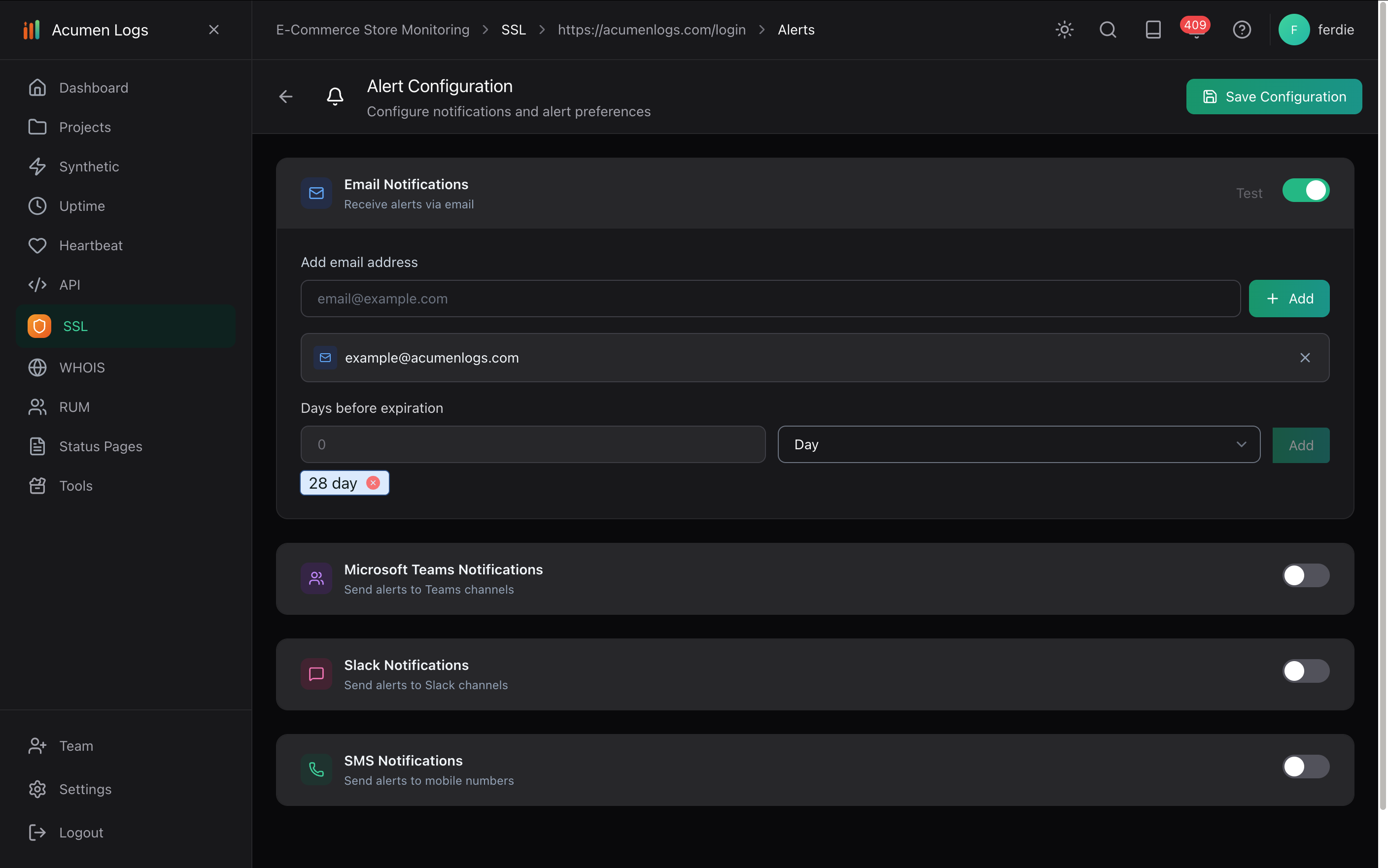
Open the monitor and set up your alert channel and expiry notification settings. Save the alert settings and send a test alert to check delivery. See the guide to setting up alerts for details.
Projects group the monitors associated with each project.
Configure the alert channel and expiry notification settings after creating the monitor.
SSL monitoring helps detect certificate issues; it does not prove that a website is free of malware or other vulnerabilities.
How do I prevent false alarms from momentary network blips?
Configure a consecutive failure count on each alert channel (such as 2 or 3 consecutive failures) before an alert fires, and use maintenance windows during planned work.
Checks run every two days (and daily inside a month of expiry), storing the expiry date, registrar, and name servers, with expiry reminders at 45, 30, and inside 14 days.
When does Acumen Logs send SSL certificate expiry reminders?
SSL checks run daily and send expiry reminders at 45 days, 30 days, and on every daily check once 14 days or fewer remain, plus one alert if trust verification fails.
How do I track TTFB and response latency across regions?
Combine multi-region uptime checks (which log response time and DNS resolve time on every run) with Real User Monitoring (RUM) to slice TTFB and LCP by country and device.
How can I tell if my website is down for everyone or just me?
Try the site on another device or connection and check it from other locations. If it works elsewhere, the issue may be local to your device, network, DNS or region.
Why does my website keep going down and coming back up?
Intermittent downtime can result from hosting, network, DNS, traffic or application issues. Record when and where failures occur, then compare those details with provider logs and recent changes.