DevOps teams can integrate Acumen Logs directly into their deployment workflows using our GitHub CI Action or REST API:
Traditional test scripts often break whenever a developer renames a CSS utility class. In Acumen Logs, controls are matched by their visible purpose and context—such as a "Submit order" or "Add to cart" button—rather than relying solely on a brittle CSS class chain.
If a major redesign changes a step, the next run highlights the exact step with a screenshot so you can update or re-record it in the no-code builder in seconds.
QA and product teams can create automated browser tests in three code-free ways:
Yes. In Acumen Logs, synthetic journey steps can point at a base-domain variable rather than a hardcoded URL. You can duplicate a monitor, change the base domain from https://staging.example.com to https://example.com, and run the exact same login or checkout steps across preview, staging, and production environments.
A desktop page can look fine while a mobile visitor encounters an overlapping button, an unusable menu or a form that is hard to complete. Mobile visitors may also experience different performance or browser behaviour.
Try to reproduce the exact issue and record the device, browser, page and action involved. Test important journeys such as selecting a product, using search, submitting a form or proceeding to checkout. Review recent theme, app and code changes if the issue appeared recently.
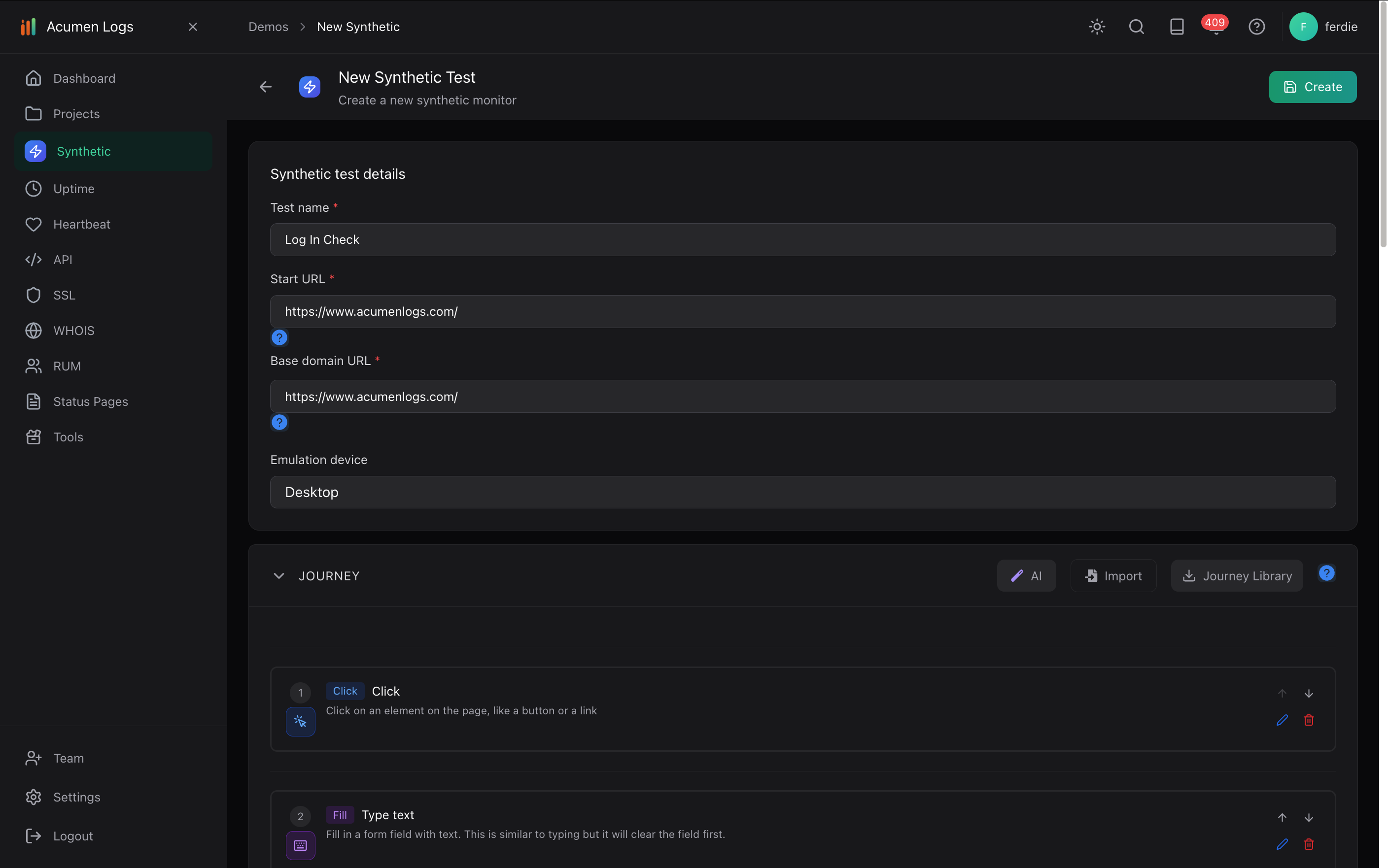
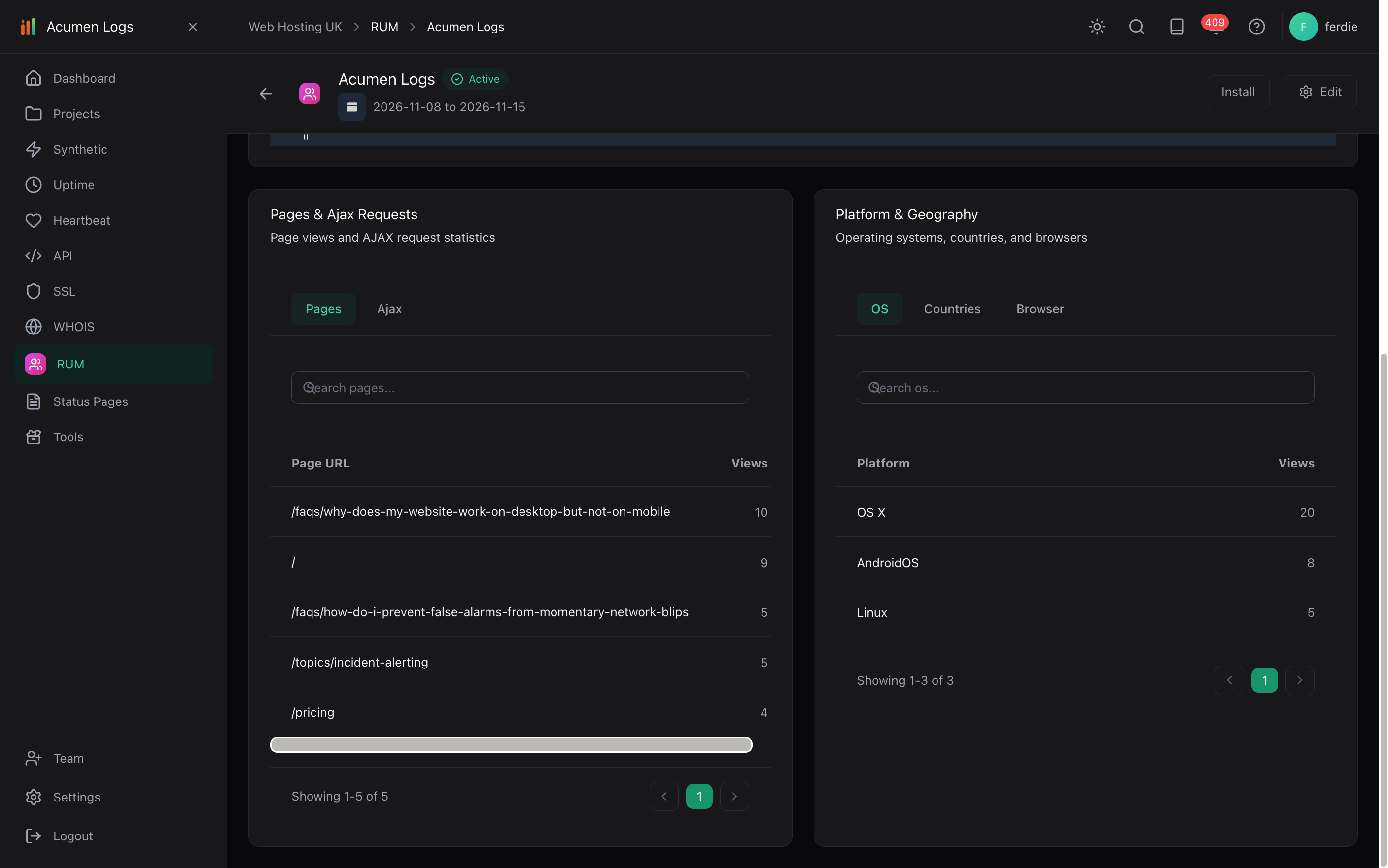
The mobile setting emulates a viewport and user agent. It is useful for repeatable checks but does not replace testing on relevant physical devices and browsers. Read the synthetic setup guide.
A small update can affect an unrelated part of a website. A theme change might alter a product page, an app may conflict with another script, or a form update might prevent an enquiry from being submitted.
After a change, check key landing pages and navigation, then test important forms and login flows. For a store, select a product, add it to the cart and check the checkout journey. Repeat important steps on mobile. Use staging and test data when possible; check for unintended orders, charges and notifications if testing a live store.
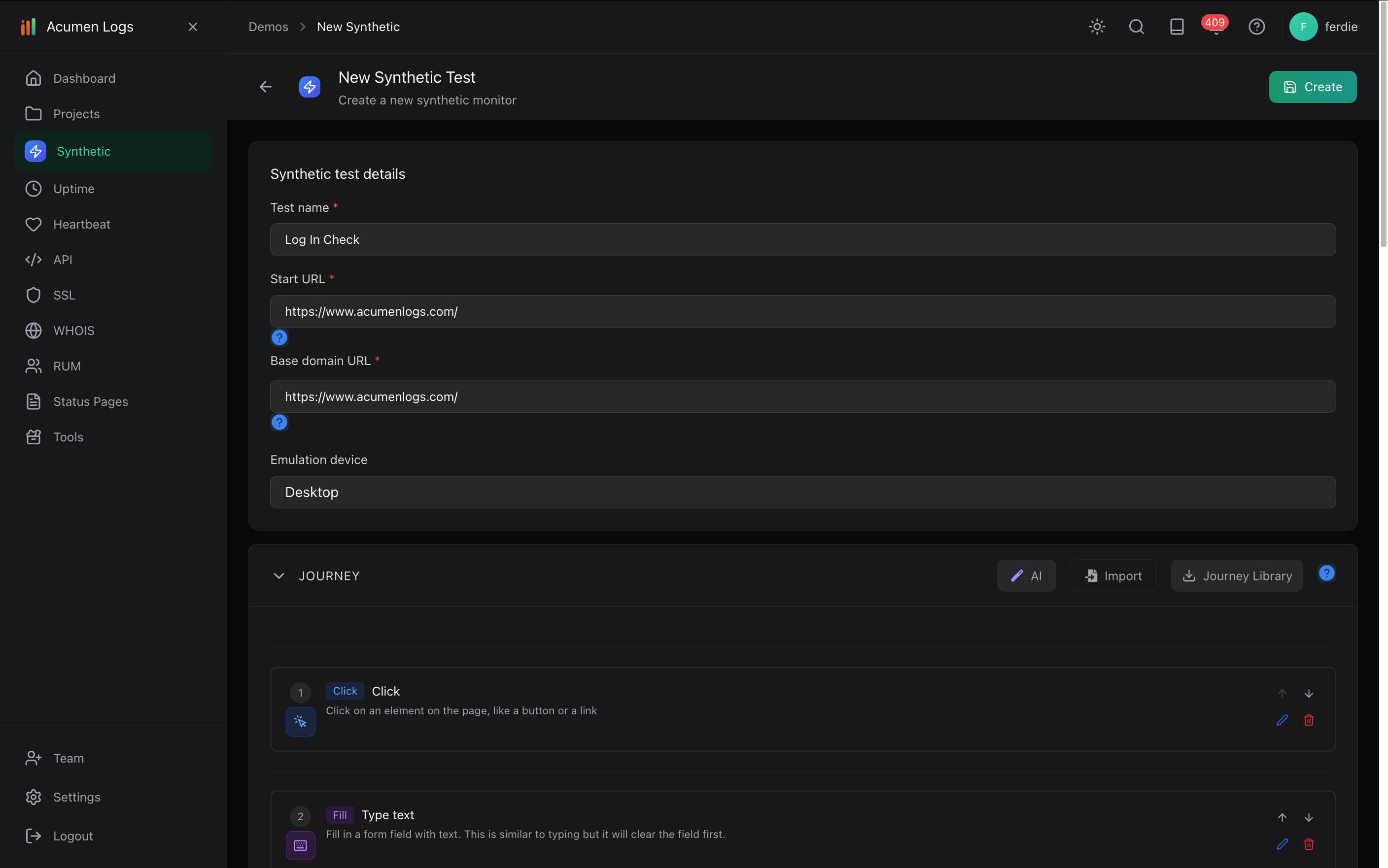
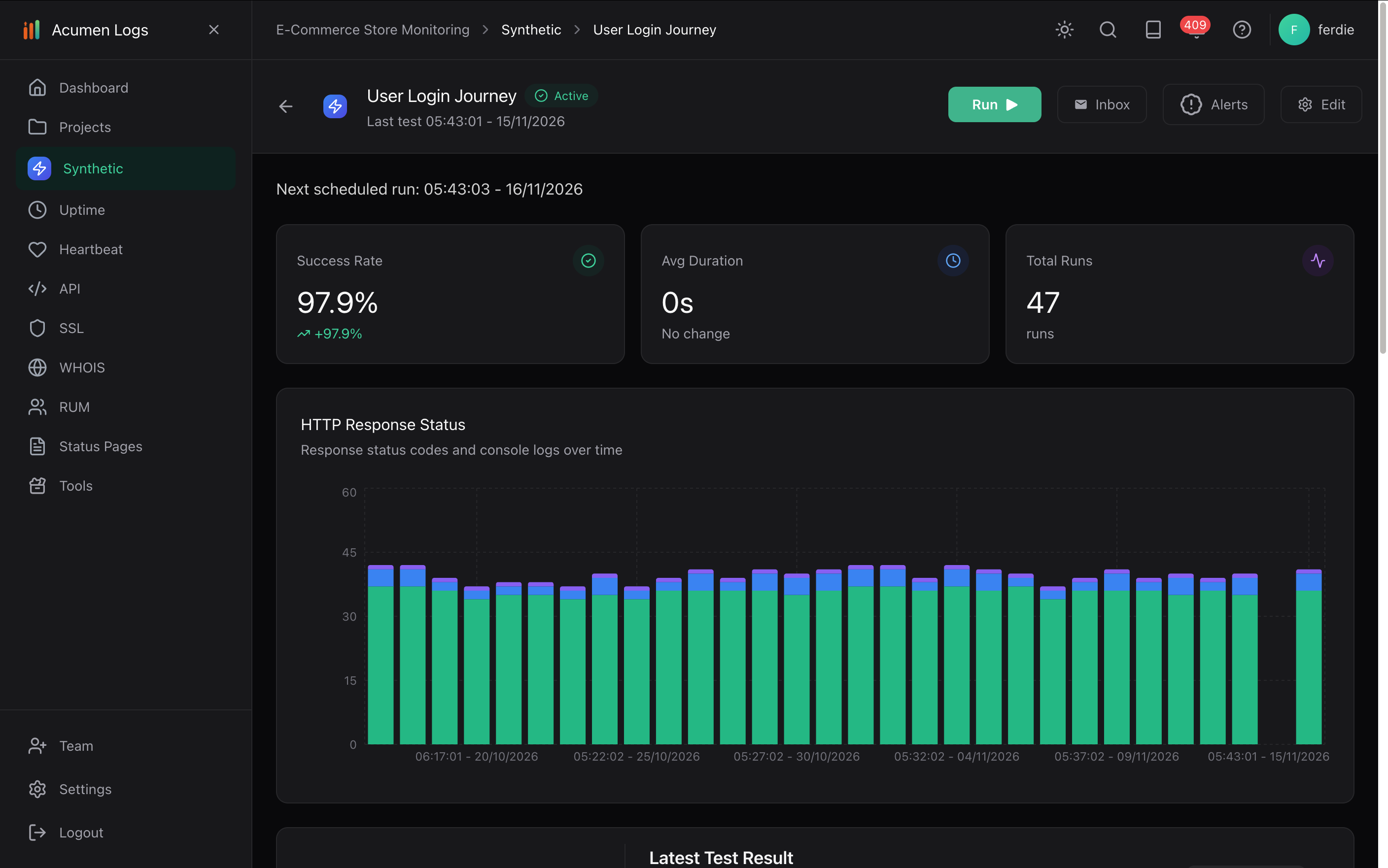
For checkout tests, use a staging store and payment sandbox when testing through confirmation, or stop before live submission and verify any side effects. Read about safe checkout tests.

Trusted by Top-tier product companies