How to Detect Regional Website Downtime: EU vs USA
TL;DR
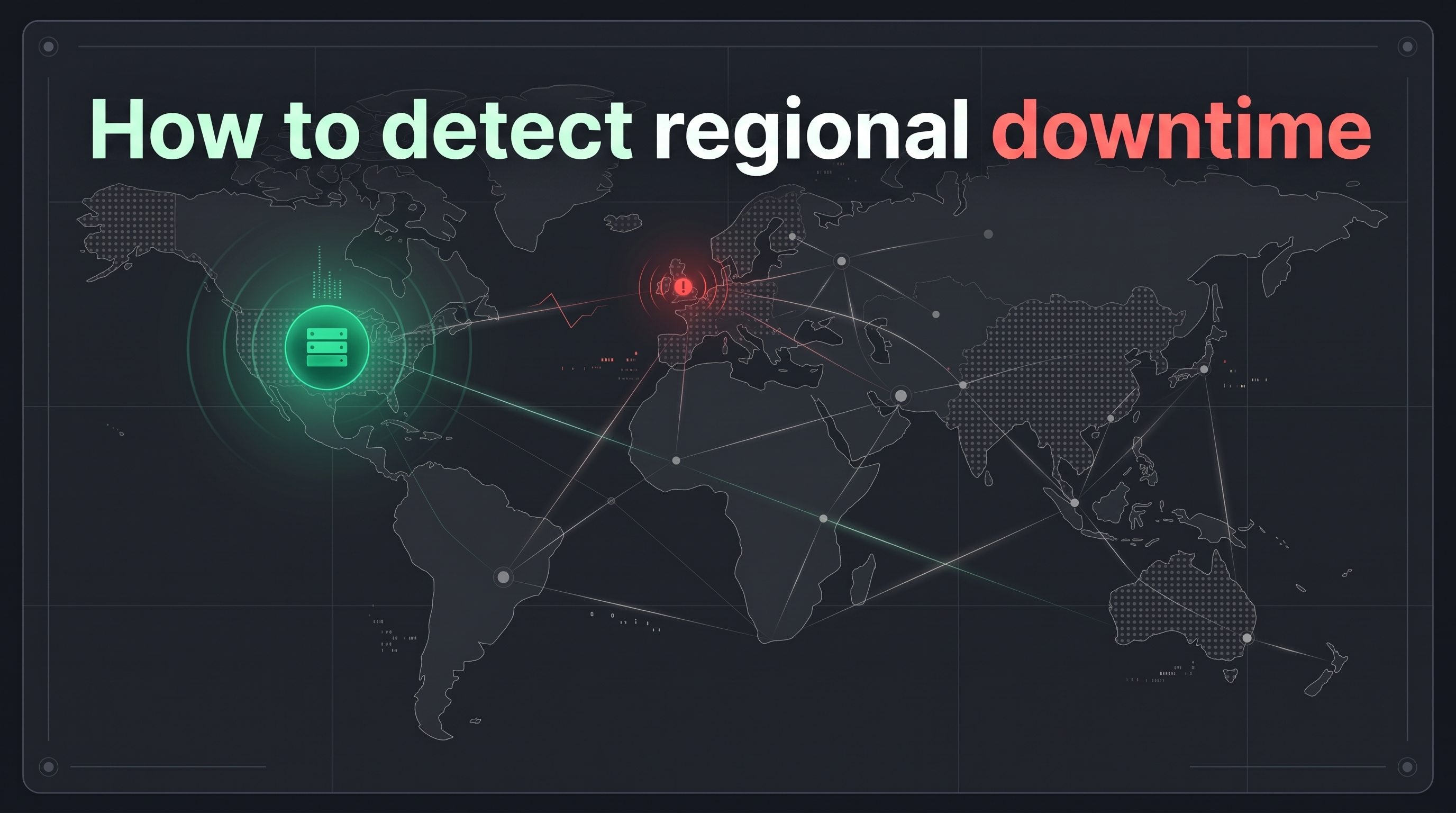
If your web server is hosted in New York and your monitoring tool is pinging from Ohio, your dashboard will show a perfect 100% green status. But what if a routing error or regional firewall is actively blocking all traffic from London and Frankfurt?
To your European customers, your site is completely offline. To your US-based team, everything looks fine.
Regional website downtime is one of the most frustrating "silent failures" businesses face. Here is why it happens, the most common mistake teams make when setting up their monitoring, and how to catch local outages before your customers complain.
Why Regional Outages Happen
Modern websites don't just sit on one server. They use distributed networks and third-party services to deliver content globally. Regional downtime usually happens when one of these middle layers fails in a specific geographic zone:
- Content Delivery Network (CDN) Issues: CDNs cache your website on servers all over the world so it loads faster for local users. If the specific server node in Frankfurt goes down, only users connecting to that European node will experience an outage.
- Localised Network Routing Errors: Internet traffic relies on complex routing paths. A misconfiguration by a major regional internet service provider (ISP) can temporarily block traffic from an entire continent.
- Geo-Blocking and Firewalls: Security firewalls might mistakenly flag legitimate EU traffic as malicious, serving 403 Forbidden errors to genuine European buyers while US users check out perfectly fine.
The Mistake People Make When Setting Up Uptime
The most common mistake when configuring uptime monitoring is relying on single-location pings.
If you only test your website from one geographic location, you are completely blind to the rest of the world. When a customer emails support to say, "Your site is down," and your internal dashboards say it is up, your team wastes valuable time trying to reproduce the error.
Without geographic context, engineering teams cannot differentiate between a customer's bad local Wi-Fi and a widespread European routing failure.
How to Catch Regional Downtime
To protect your revenue and ensure global availability, your monitoring strategy needs to evaluate your infrastructure from both the outside in and the inside out.
1. Multi-Region Checks and Synthetic Journeys
In most uptime monitoring platforms, you have the ability to choose your testing locations. For example, in Acumen Logs, you can select locations across the US, UK, EU, and other global regions to ping your site simultaneously.
If the US probes return a fast 200 OK but the EU probes return a connection timeout, you can instantly see the regional split.

You can take this a step further with Synthetic Monitoring. While standard uptime checks verify if the site is reachable, synthetic journeys test actual functionality. You can schedule an automated browser to navigate your site from both EU and US locations, ensuring that critical flows—like adding an item to the basket and reaching the checkout—function perfectly across all regions.
2. Validate with Real User Monitoring (RUM)
While automated external probes tell you if the site is reachable, you also need to know what live users are actively experiencing.
By embedding a lightweight Real User Monitoring (RUM) snippet on your site, you capture passive performance data directly from your actual visitors' browsers.
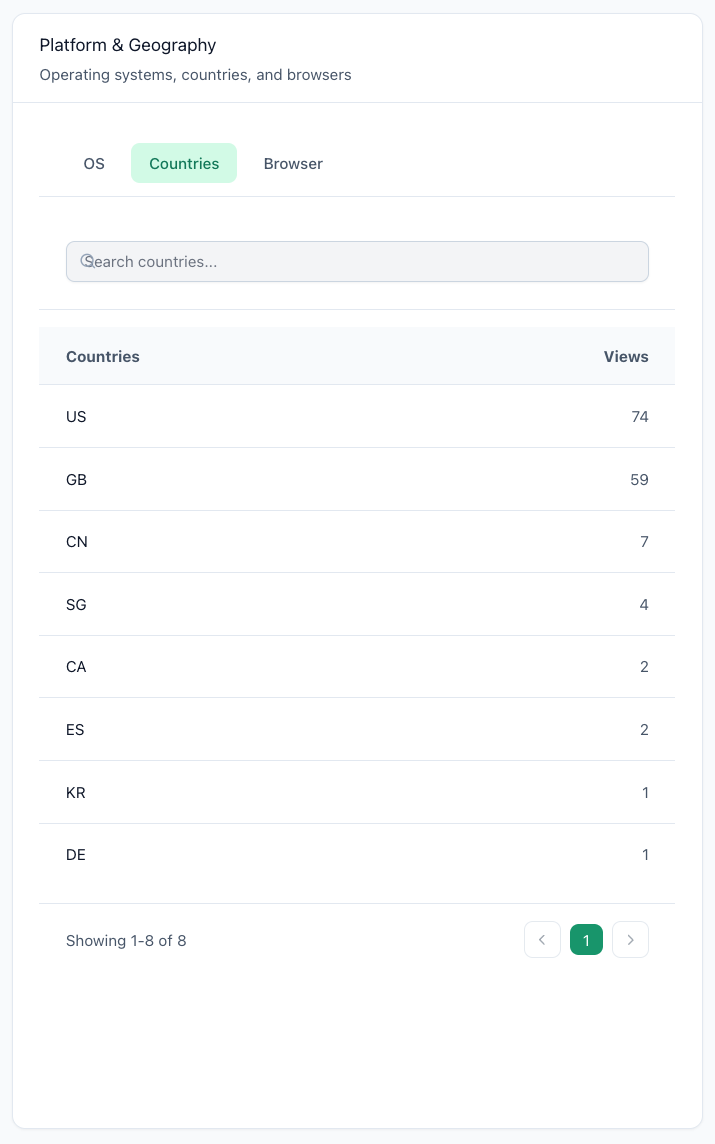
When investigating a potential regional issue, you can filter your RUM dashboard by geography. If European users are suddenly experiencing massive latency spikes compared to American users, you have the exact data you need to escalate the issue to your hosting or CDN provider.
Stop Guessing When Your Site Goes Down
If you want to set up regional uptime monitoring, this is how you do it. Check out our step-by-step guide on how to set up uptime monitoring for your site, select your global testing regions, and ensure you are never the last to know about a regional outage.
Key Takeaways
- Single-location uptime checks create a massive blind spot, hiding regional outages caused by CDN failures or ISP routing errors.
- Geographic traffic filtering and misconfigured firewalls can cause your site to appear completely offline for European users while working perfectly in the US.
- Combining multi-region uptime probes with synthetic user journeys ensures critical functionality is verified across different global networks.
- Real User Monitoring (RUM) provides the ultimate validation, allowing you to track latency and Core Web Vitals directly from live visitors' browsers.
Frequently Asked Questions
Why doesn't my standard uptime monitor detect regional website downtime?

Standard uptime monitors often ping your website from a single geographic location. If a localized routing error, CDN node failure, or regional firewall blocks traffic in Europe, but your monitor is checking from the US, it will report a 100% healthy status. Multi-region monitoring solves this by checking availability from several global points simultaneously.