
5 Signs Your Checkout Flow Is Broken (And You Don't Know It Yet)
TL;DR
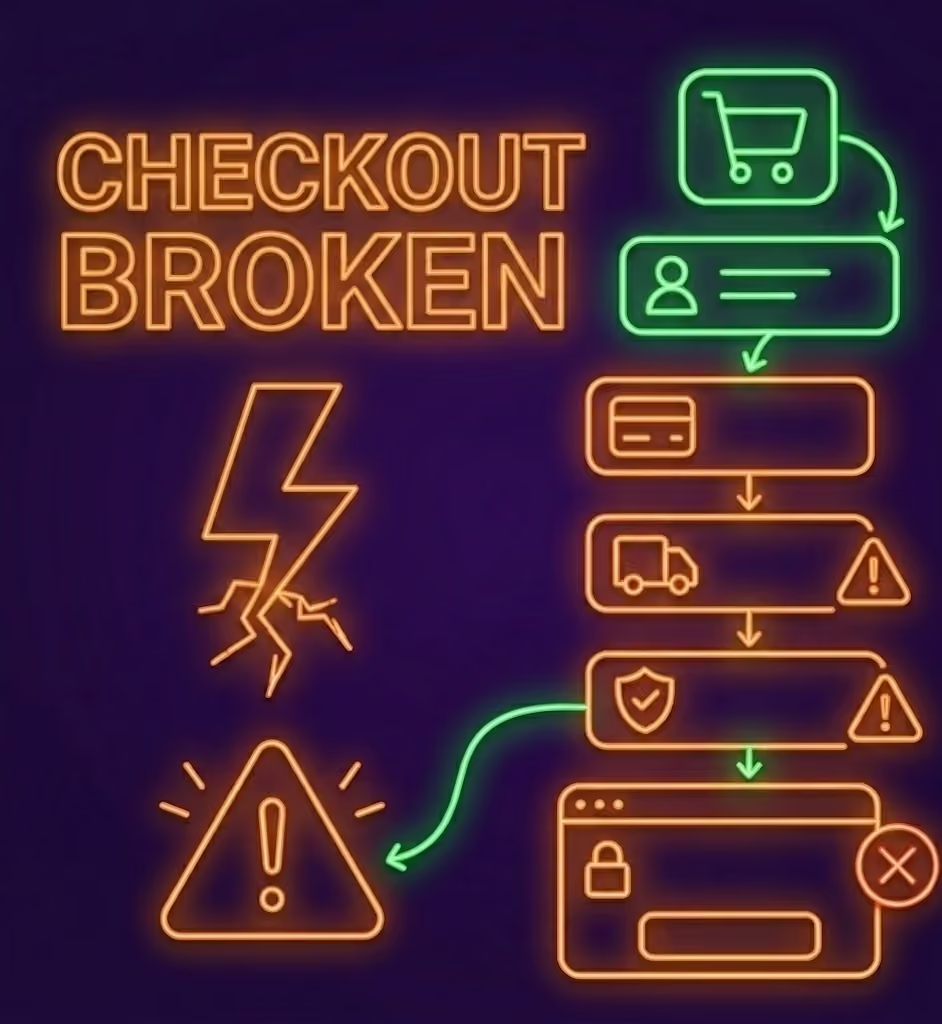
Your checkout works. You've tested it. You've watched colleagues go through it. Your developers have run it dozens of times in staging. And yet — somewhere out there, right now, a real customer is hitting a bug that you've never seen, on a device you didn't test, after following a path nobody anticipated.
Broken checkout flows are one of the most costly and most silent failures in ecommerce. They don't always produce server errors. They don't always show up in your logs. They just quietly prevent purchases from completing while you watch your conversion rate drop and wonder why.
Here are five signs your checkout is broken in a way you haven't discovered yet.
1. Your Conversion Rate Dropped and Nobody Changed Anything
When conversion drops after a deployment, the cause is usually obvious — something changed. But when conversion drops gradually with no obvious trigger, the cause is often a subtle checkout failure that affects a subset of users.
Common culprits:
- A payment provider updated their JavaScript library and your integration broke on certain browsers
- A third-party fraud detection script started blocking legitimate users in specific countries
- A CSS change made a button invisible on mobile at a particular viewport width
- A new browser update changed how a form validation rule behaved
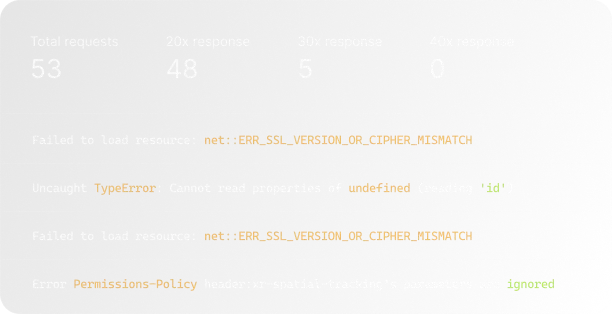
None of these produce a server error. None will show up in your uptime monitor. But they're costing you revenue every day they exist.
2. You Haven't Tested Checkout on a Real Mobile Device This Week
Most checkout testing happens on desktop browsers, in the same office, on fast connections. Real users visit your store on iPhones with 3G connections during their commute. They're a completely different experience.
Mobile checkout failures are disproportionately common because:
- Touch targets that work with a mouse don't always work with a thumb
- Keyboards push content up and sometimes obscure buttons
- Payment fields behave differently on iOS Safari vs Chrome for Android
- Autocomplete suggestions can conflict with custom form validation
If you haven't personally completed a purchase on your own store on a real mobile device in the past week, you don't know if mobile checkout works.
3. Your Checkout Has More Than 3 Steps
Every additional step in a checkout flow is another opportunity for something to break, and another point at which a frustrated user abandons. If your checkout requires users to create an account, verify their email, fill in shipping, fill in billing separately, and then confirm — that's five separate points of failure.
More importantly, each step transition is a potential failure point that only shows up in the middle of a user journey. A broken redirect from step 3 to step 4 won't be caught by an uptime check on your checkout URL.
4. You Get More “I Couldn't Complete My Purchase” Emails Than You'd Expect
For every customer who emails you to say they couldn't complete a purchase, there are approximately 26 who didn't bother. They just went to a competitor.
If you're getting even occasional “I tried to buy but couldn't” messages, that's a strong signal of a widespread underlying issue. Users who contact you are the rare exception — the ones who really wanted your product and were motivated enough to report the problem.
5. You're Not Running Synthetic Monitoring on Your Checkout Flow
This is the root of all the above. If you're not automatically testing your checkout flow on a schedule — simulating a real user going from product page to order confirmation — then you only find out about failures when customers tell you.
Synthetic monitoring runs your checkout journey every few minutes, from multiple locations, capturing screenshots at each step. If anything breaks — a button stops working, a payment field errors, a redirect fails — you're alerted within minutes, not days.
Setting up a synthetic checkout monitor in Acumen Logs takes about 15 minutes. You define the steps (navigate to product, add to cart, go to checkout, fill in details, submit), set the interval, and choose your alert channel. From that point on, you know your checkout is working — you don't have to hope it is.
What to Do Right Now
- Open your store on your personal mobile device and complete a test purchase end-to-end
- Check your support inbox for any variations of “I couldn't check out” in the last 90 days
- Look at your checkout step drop-off in your analytics — where are people abandoning?
- Set up a synthetic monitoring journey for your checkout flow
The cost of finding a broken checkout flow today is 15 minutes of your time. The cost of not finding it is every sale you lost while it was broken.
Key Takeaways
- Standard uptime tools are blind to frontend interface errors because server systems stay up even when payment buttons fail to respond to a user's click.
- High basket abandonment spikes usually point to deep functional script friction rather than casual window shopping.
- Running simulated end-to-end user transactions from external nodes is the absolute fastest way to identify localized checkout path breaks before they ruin your revenue data.
Frequently Asked Questions
How do checkout paths break silently without throwing server hosting errors?



%20%E2%80%94%20And%20How%20Is%20It%20Different%20from%20Synthetic%3F.avif)









.avif)