Published
How to Set Up a Public Status Page for Your SaaS (Step-by-Step)
TL;DR
• A public status page provides instant incident transparency, drastically reducing customer support ticket spikes.
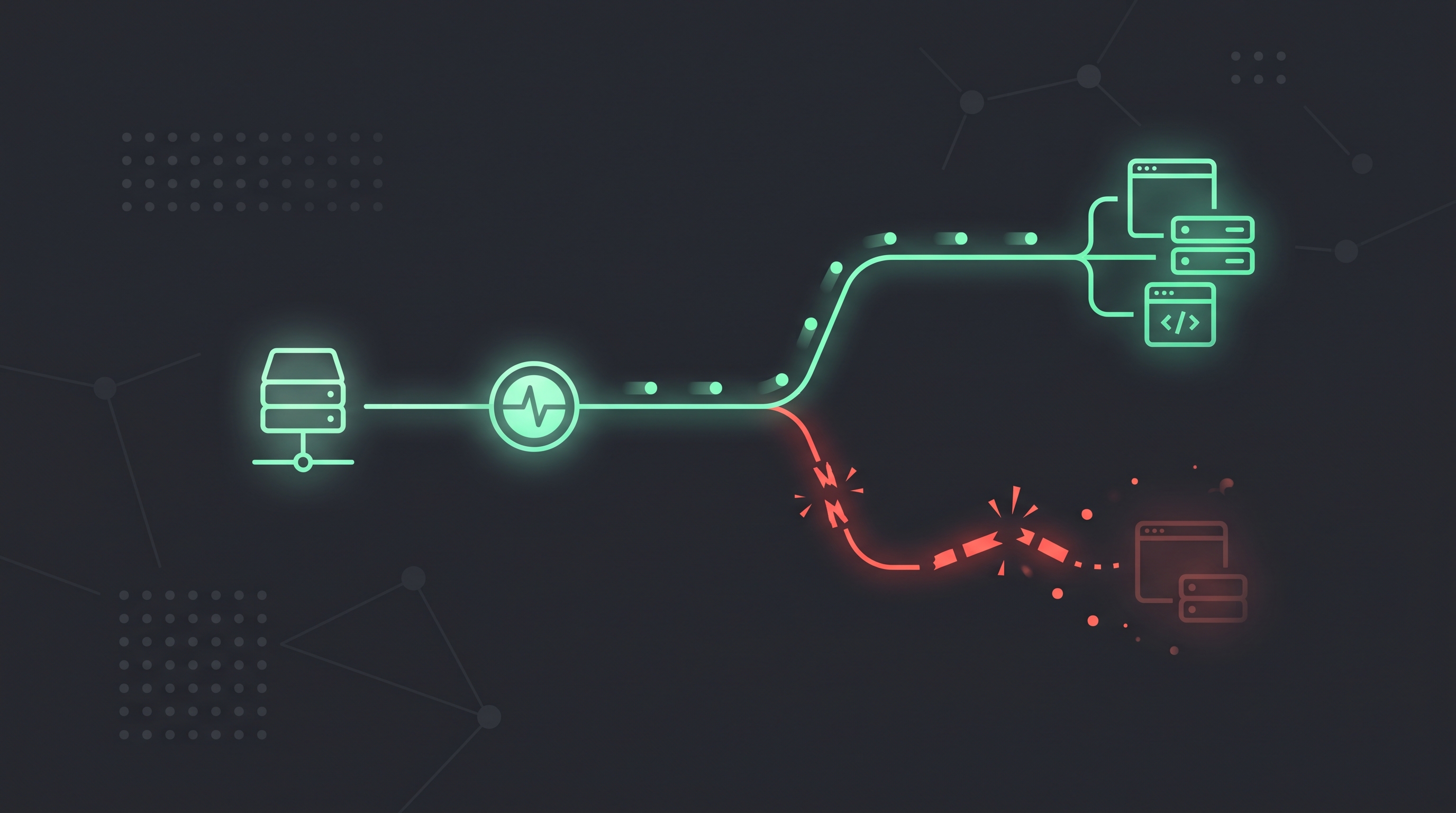
• Automate component status updates by linking uptime monitors, API checks, and heartbeat pings directly.
• Build brand trust and enterprise credibility by openly communicating scheduled maintenance and historical uptime SLAs.
When a SaaS app has an outage and no status page, customers fill support channels asking if the service is down. A public status page gives them one place to see live availability and incident updates.
What a useful status page needs
- Components tied to real monitor results (pass/fail), not manual guesswork
- Clear incident posts when something is wrong
- Optional subscriber emails only when you choose to notify—not on every blip
- Your brand and a custom domain when you are ready
Setup checklist (any tool)
- Create uptime (and synthetic, if needed) monitors for the app, auth, and public API
- Create a status page and map those monitors to components
- Connect a custom domain (for example
status.yourdomain.com) via CNAME - Add branding and link the page from your footer and docs
Doing this in Acumen Logs
Acumen Logs status pages follow linked uptime and synthetic results. From Solo ($5/month) you can use a custom domain, logo, colours, and optional password protection.
- Free plan: 1 status page
- Solo and Essentials: up to 10 custom-domain status pages
Subscriber emails send only when you publish an incident that opts into notify. Start free on pricing.
- Public status pages drastically reduce incoming support tickets during outages by proactively confirming known issues.
- Automated status updates connected directly to uptime monitors eliminate manual lag during active incident response.
- Historical uptime and SLA transparency reassure prospective enterprise buyers evaluating your platform's reliability.