7 Modern Practices to Supercharge Your Laravel App
TL;DR

Introduction
Laravel continues to lead the PHP ecosystem in 2026. Whether you are maintaining a production SaaS application or launching a new project, these 7 practices help keep your Laravel app fast, secure, and reliable.
1. Embrace the Streamlined Application Structure
Modern Laravel releases use a slimmer application skeleton with simplified configuration in bootstrap/app.php and cleaner route grouping.
2. Review AI-Generated Code on Critical Paths
AI coding assistants speed up boilerplate generation, but always review authentication, billing, and database query logic—and cover those paths with automated synthetic browser journeys.
3. Default to Secure by Design
Use built-in environment secret encryption, strict rate-limiting middleware on authentication routes, and automated SSL certificate monitoring.
4. Modularise Large Codebases
Split complex domain logic into dedicated modules or internal packages so features remain isolated and easier to test.
5. Write Expressive Tests with Pest
Pair local Pest unit and feature tests in your repository with external API monitoring and post-deployment browser checks in CI/CD.
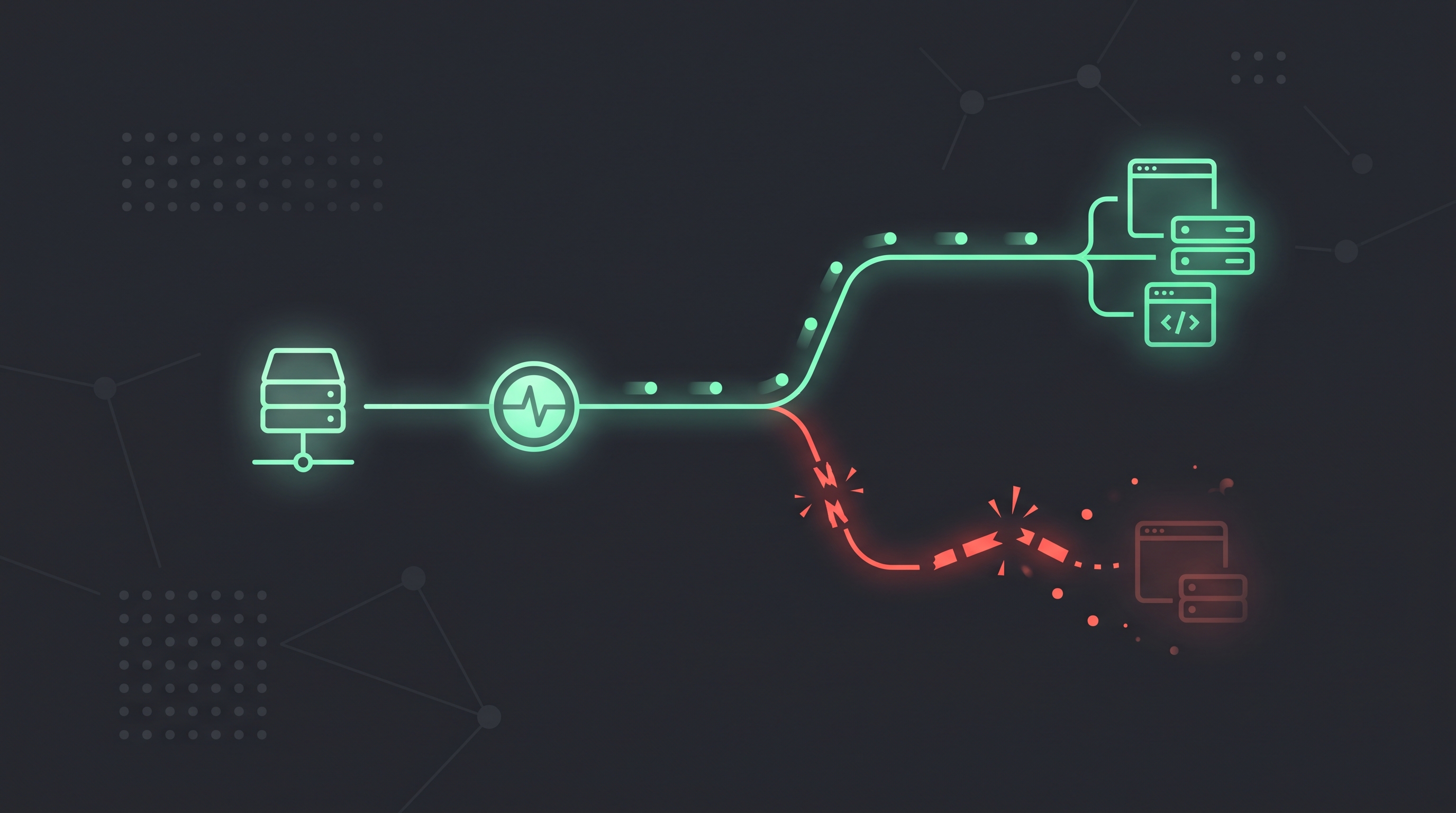
6. Monitor Queues, Cron Jobs & Live Endpoints
Local debugging tools like Laravel Telescope are great in development, but in production your team needs external multi-region uptime checks and heartbeat monitoring on scheduled tasks and queue workers so silent failures never go unnoticed.
7. Use Feature Flags for Gradual Rollouts
Use Laravel Pennant to roll out new checkout or dashboard features gradually while monitoring real visitor performance with Real User Monitoring (RUM).
Key Takeaways
- Adapting to Laravel’s streamlined, lightweight application layout makes your structural code significantly cleaner and faster to debug.
- Offloading processor-heavy transactional tasks onto asynchronous background loops stops frontend page timeouts for your active visitors.
- Implementing deep operational visibility loops ensures that broken background workers or database locks are fixed before they impact business operations.
Frequently Asked Questions
Is upgrading to Laravel’s newest architectural structure necessary for good app performance?

Maybe, depending on your application's size. While older structural configurations still execute fine, moving to the modern, slim framework design completely cuts out unneeded middleware files and default provider files, decreasing your application footprint and boosting boot processing speed across the board.