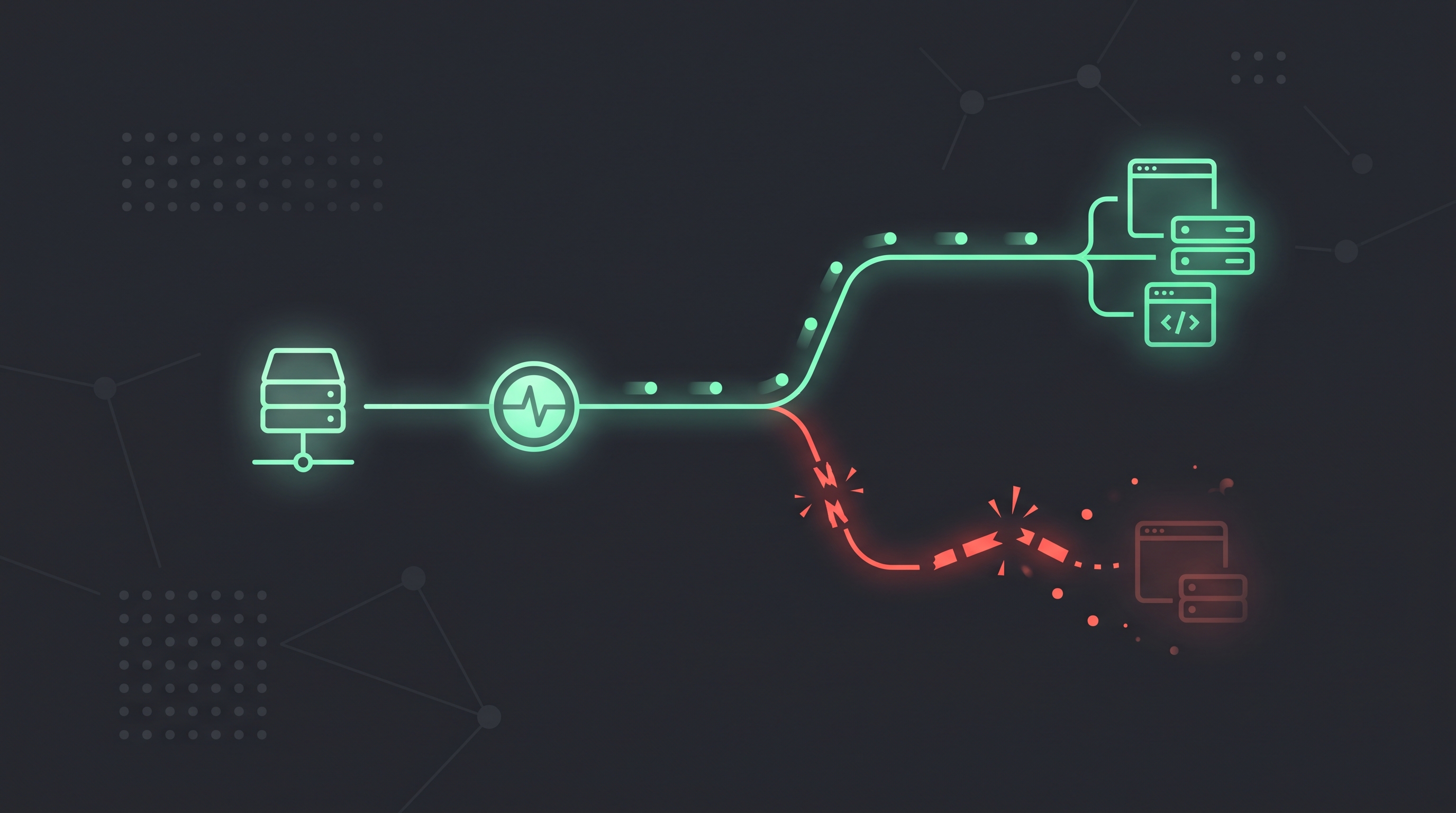
Acumen Logs, Pingdom, UptimeRobot, and StatusCake all check whether a URL is available. Acumen Logs also records status, latency, headers, and a string match.
Tools that track whether a URL answers include:
Acumen Logs: HTTP uptime checks from multiple regions, with status, latency, header, and string-match rules, plus synthetic journeys, API checks, heartbeat, SSL, and WHOIS in the same account.
Pingdom: A long-running uptime and transaction monitoring product.
UptimeRobot: A simple availability checker with alerting plans.
StatusCake: Website availability and page-speed checks.
How do I prevent false alarms from momentary network blips?
Configure a consecutive failure count on each alert channel (such as 2 or 3 consecutive failures) before an alert fires, and use maintenance windows during planned work.
How do I track TTFB and response latency across regions?
Combine multi-region uptime checks (which log response time and DNS resolve time on every run) with Real User Monitoring (RUM) to slice TTFB and LCP by country and device.
How can I tell if my website is down for everyone or just me?
Try the site on another device or connection and check it from other locations. If it works elsewhere, the issue may be local to your device, network, DNS or region.
Why does my website keep going down and coming back up?
Intermittent downtime can result from hosting, network, DNS, traffic or application issues. Record when and where failures occur, then compare those details with provider logs and recent changes.
Why does my website say “not secure,” and how do I fix it?
A browser may warn that a connection is not secure if the site or its SSL/TLS certificate is misconfigured, expired or does not match the hostname. Check the exact warning and contact your provider if needed.