

Resell Monitoring via WHMCS
TL;DR
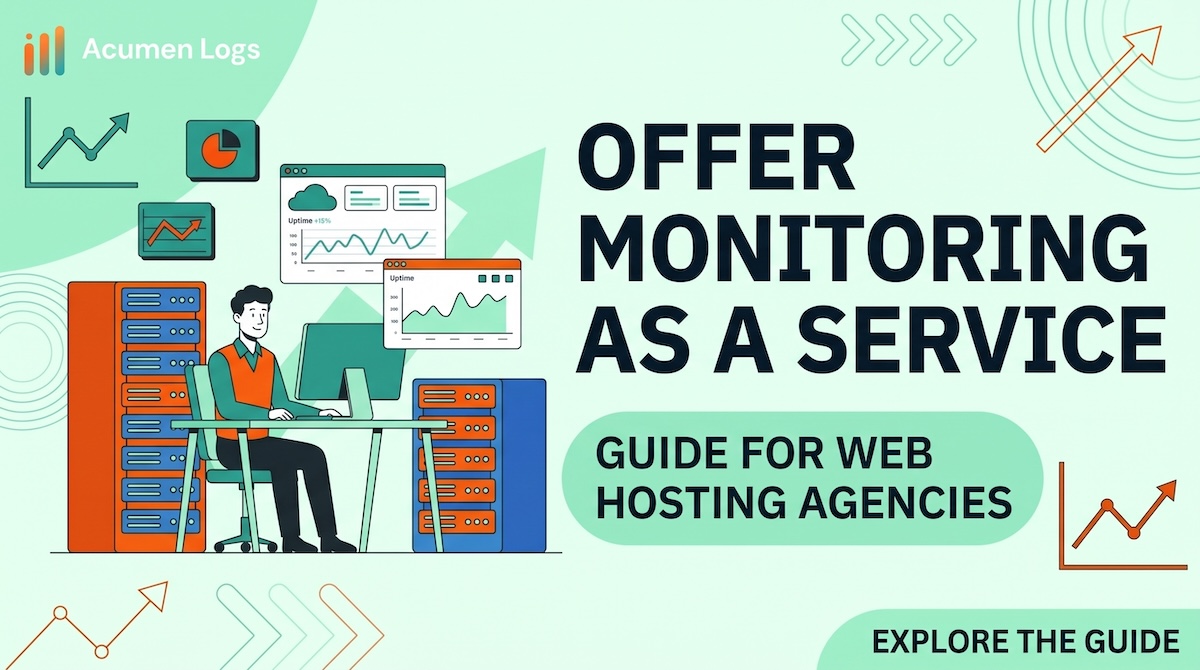
If you are a web hosting provider and use WHMCS, why not add a new revinue stream. We put together a simple solution which will allow you to resell our web monitoring product but fully white-labled to your business (Down to the domain).
This is a zero set up cost turn-key solution meaning that you have no infrastrucure change apart from installing our module. Here is a guide on how to get started. Please watch our video or read the blog below.
show video
Before we get started, if you have not already - please signup for a free account here as you will need it to finish this process.
1 - download the module
Once you have logged into our platform head over to this settings page. Located in Settings > WHMCS. Then click on the downloads tab and find the WHMCS module version for you corresponding with the correct PHP version you run.
2- Install the module
Extract the contents of the zip file, the this location of your module modules/addons/AcumenLogs
3 - Activate the module in WHMCS
In your WHMCS Admin panel, Go to System Settings > Addon Modules and activate Acumen Logs. Then, click Configure, paste your API key, and assign admin role permissions.
4 - Product config
Navigate to System Settings > Products/Services and create a new product.
4- Setup branding
4- Monitor sales
Key Takeaways
- Integrating technical infrastructure tracking directly inside consumer invoicing dashboards turns standard hosting tiers into high-margin service options.
- Providing direct performance transparency reports reduces technical support workloads by showing clients layout issues instantly.
- Offering white-labeled service portals protects your hosting firm's unique identity while driving monthly recurring revenue gains.
Frequently Asked Questions
How difficult is it to install the Acumen Logs WHMCS module?







%20%E2%80%94%20And%20How%20Is%20It%20Different%20from%20Synthetic%3F.avif)










.avif)