
What Is Real User Monitoring (RUM) — And How Is It Different from Synthetic?
TL;DR
%20%E2%80%94%20And%20How%20Is%20It%20Different%20from%20Synthetic%3F.avif)
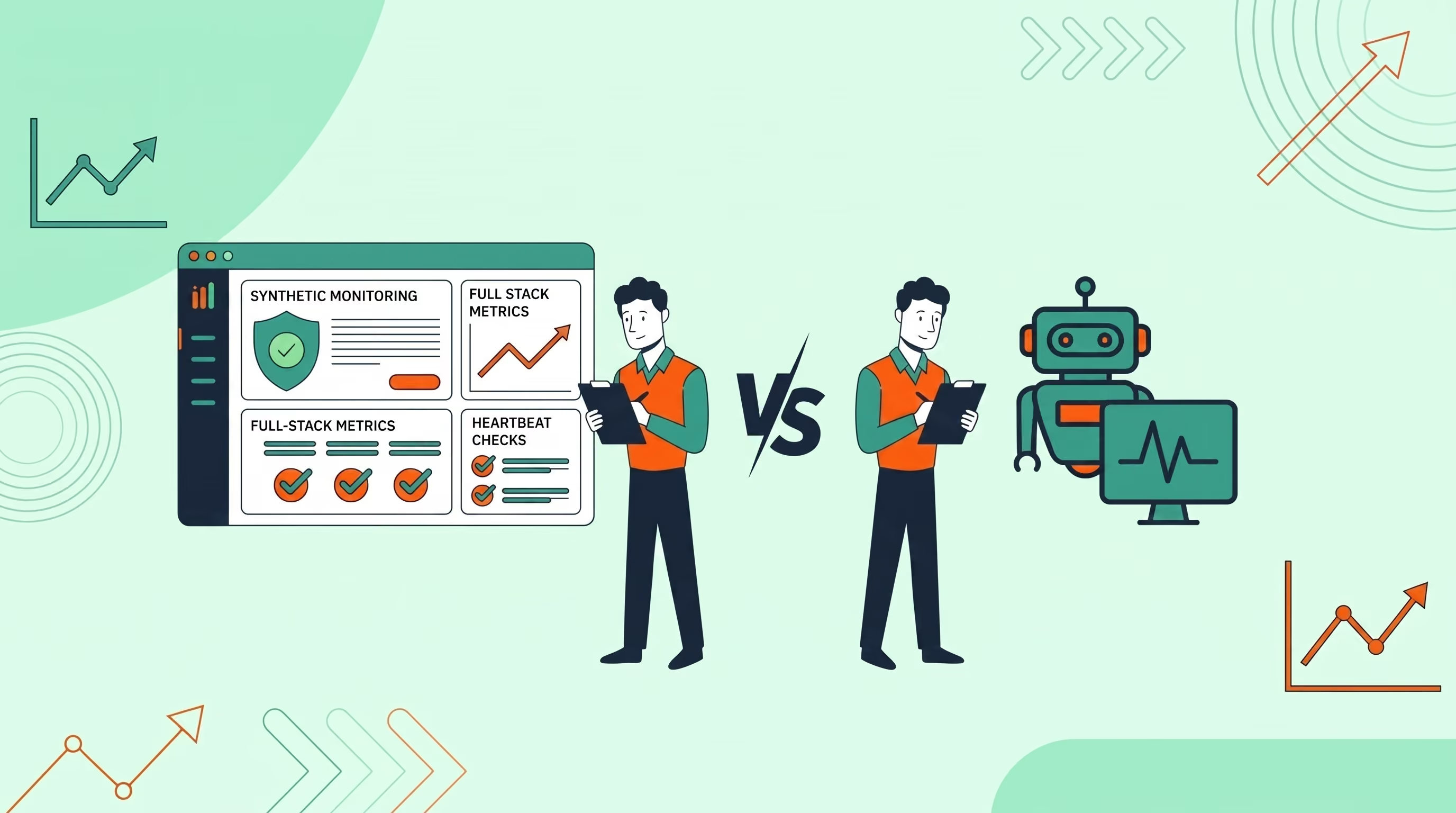
If you work in web performance or reliability, you've likely come across two terms that often get used interchangeably: Real User Monitoring (RUM) and Synthetic Monitoring. They sound similar, they're both called “monitoring”, and they both tell you things about how your website is performing. But they answer fundamentally different questions — and the strongest monitoring strategies use both.
Here's a clear breakdown of what each is, what each is good at, and how to decide what you need.
What Is Real User Monitoring (RUM)?
Real User Monitoring captures performance data from actual users visiting your website in real time. A small JavaScript snippet embedded in your pages collects data as real browsers load your site — things like page load time, time to first byte, largest contentful paint, and interaction delays.
RUM tells you what your real users are actually experiencing, on their real devices, on their real connections, from their real locations.
The key characteristics of RUM:
- Data from real sessions — every metric is from an actual user visit, not a simulated one
- Passive collection — it runs in the background without you needing to configure test scenarios
- Highly segmentable — you can slice data by device type, geography, browser, connection speed
- Dependent on traffic — if no one visits, there's no data
What Is Synthetic Monitoring?
Synthetic monitoring simulates user interactions using automated scripts or no-code journey builders running in real browsers. Instead of waiting for a real user to visit, you define a scenario and run it on a schedule from locations you control.
Synthetic monitoring tells you whether your website and user flows are working correctly right now, regardless of how much real traffic you have.
The key characteristics of synthetic monitoring:
- Proactive — runs continuously on a schedule, not when users happen to visit
- Consistent baseline — the same test runs every time, making it easy to spot regressions
- Works at any traffic level — even if you have no users yet, you can monitor your flows
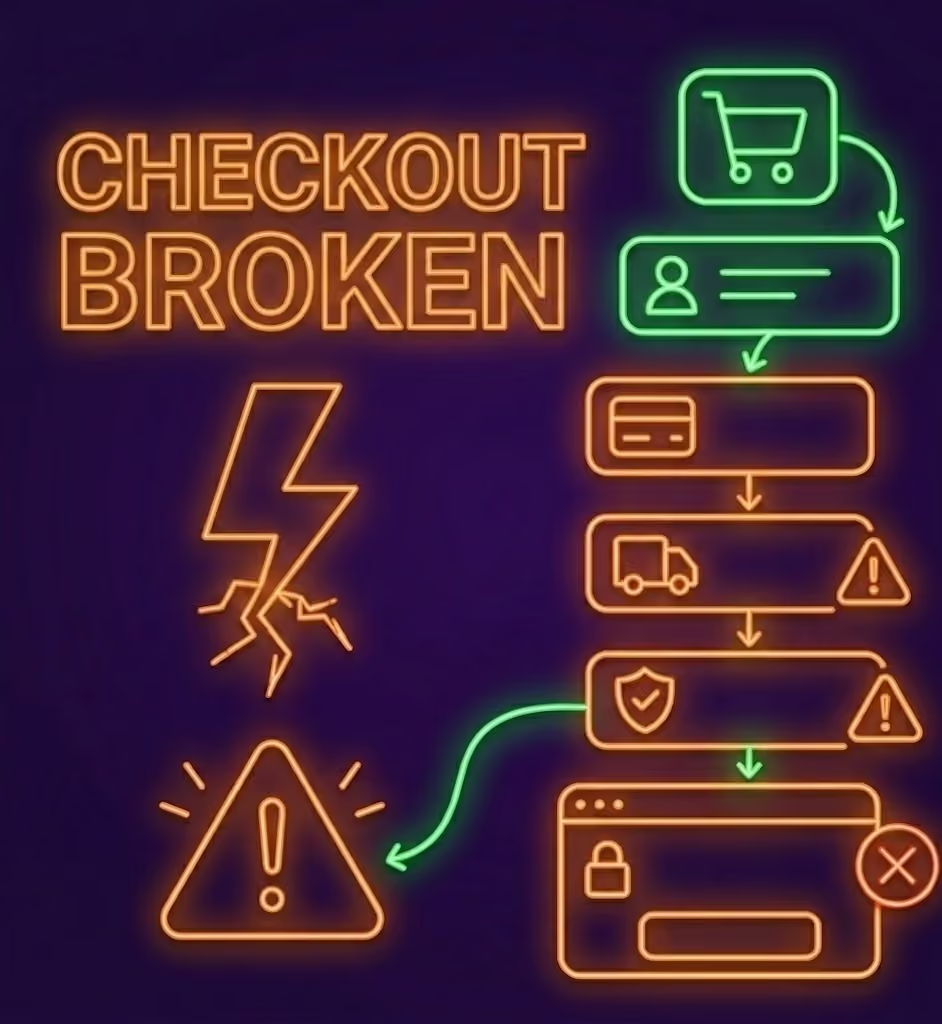
- Catches specific failures — a broken checkout step, a failed form submission, a missing DOM element
The Core Difference
Here's the simplest way to think about it:
RUM answers: “What are my real users experiencing?”
Synthetic answers: “Is my app working right now?”
They're complementary, not competing. RUM shows you the aggregate reality across millions of sessions. Synthetic monitoring gives you a consistent, reliable early warning system.
When to Use RUM
RUM is most valuable when you have meaningful traffic and want to understand the real-world performance distribution of your site. Use it to:
- Understand how performance varies by geography or device
- Track Core Web Vitals across your real user base
- Identify which pages or user segments have the worst experience
- Validate that a performance optimisation actually improved things for real users
- Spot slow-loading pages that synthetic tests might not cover
When to Use Synthetic Monitoring
Synthetic monitoring is most valuable for catching issues early and monitoring critical flows. Use it to:
- Monitor your site 24/7 even during low-traffic windows
- Test specific user journeys like login, checkout, or onboarding
- Catch regressions immediately after deployments
- Monitor from specific global locations to catch regional issues
- Verify third-party integrations are working correctly
Using Both Together
The most effective monitoring setup uses both in tandem. Synthetic monitoring gives you the early warning — a broken checkout flow at 3am. RUM gives you the impact assessment — how many users were affected and how bad the experience was before it was fixed.
Acumen Logs supports both. Set up synthetic journeys to catch failures as they happen, and enable RUM to understand the broader performance picture across your real user base. Together, they give you full-stack visibility: proactive alerts plus real-world insight.
Final Thoughts
RUM and synthetic monitoring are not the same thing — and thinking of them as interchangeable leads to gaps in your overall monitoring strategy. Synthetic monitoring is your smoke detector: always on, always checking, even when the house is quiet. RUM is your health report: rich, real, and essential for understanding what users are actually going through.
You need both.
Key Takeaways
- Synthetic monitoring provides proactive baseline testing 24/7 without waiting for real users to experience an error.
- RUM provides deep retroactive insights into real-world Core Web Vitals, device fragmentation, and geographic speed variations.
- Leading engineering teams use synthetic checks for instant incident alerting and RUM for long-term user experience optimisation.
Frequently Asked Questions
Should I use Synthetic Monitoring or Real User Monitoring?















.avif)